Magic of Animation
Academy
START YOUR CREATIVE ADVENTURE NOW
Design Meets AI & CG Art
Explore Design, AI, and CG Art with simple, fun steps—no fluff, just creativity unleashed.
YOUR CREATIVE PILLARS
Lost In The Maze Of Design, AI, & CG Art?
We’ve been there. You envision vibrant characters, stories, and worlds, but opening complex software feels overwhelming. The flood of technical terms and blank screens dulls your creative spark before you even start. Let’s bring you back to Design, AI Tools, and CG Art—the core pillars to unlock your creativity with confidence.
Focus on the essentials: Design, AI Tools, and CG Art—no complicated distractions.
Student Projects
See what young creators make as they level up through Design → AI Tools → CG Art.
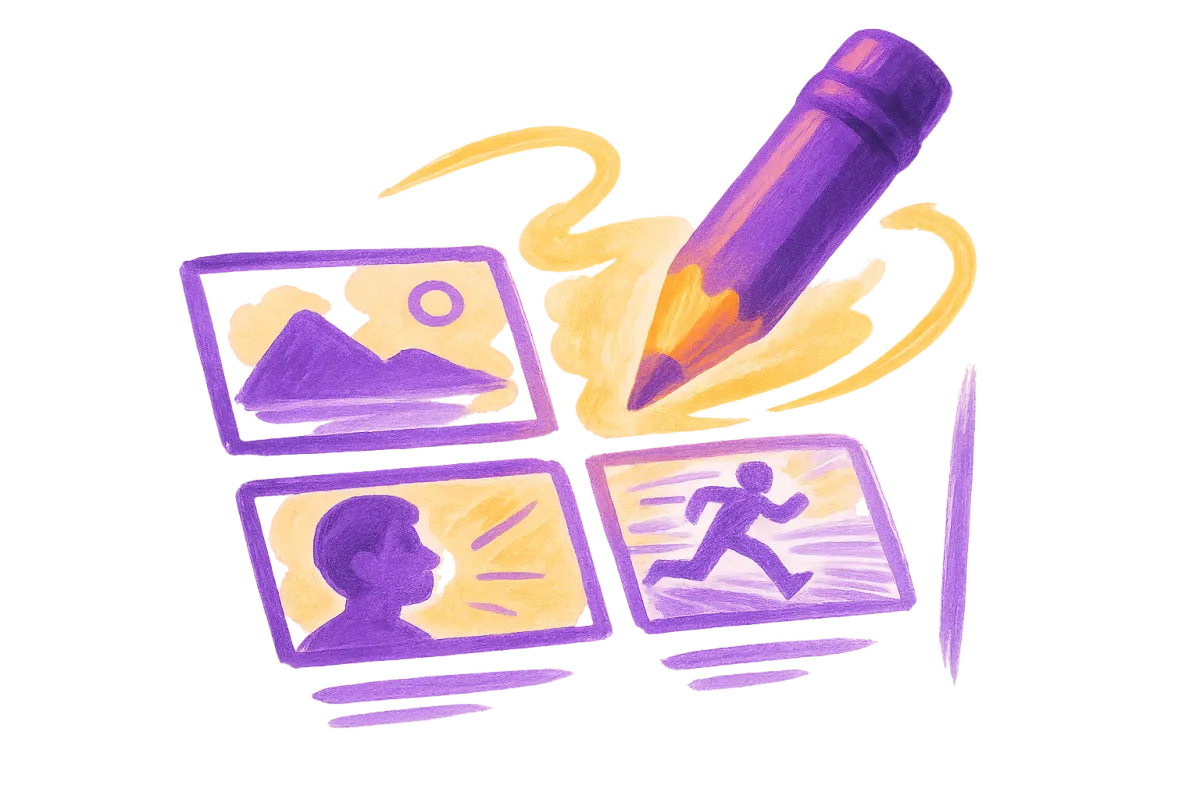
Storyboarding
Map out your narrative with expressive frames that capture perfect flow and timing.
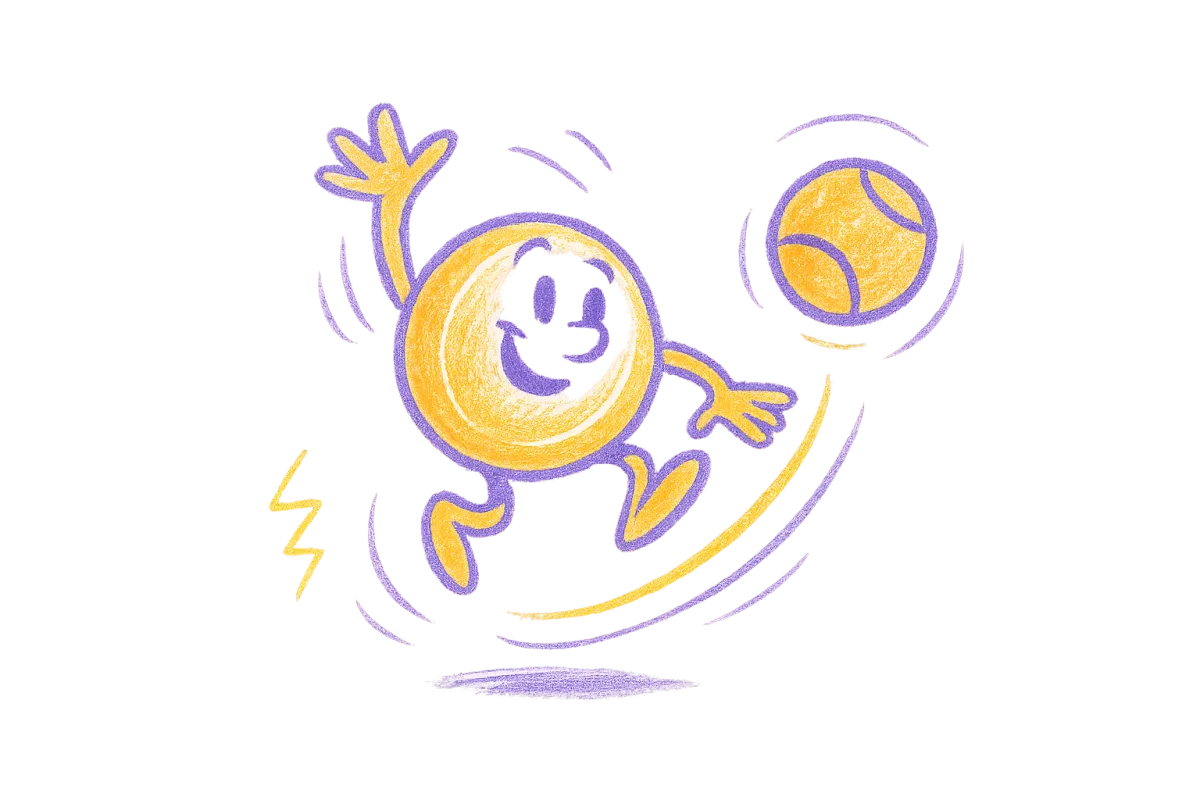
Character Physics
Give your creations true weight and momentum with principles that make every movement feel incredibly real.
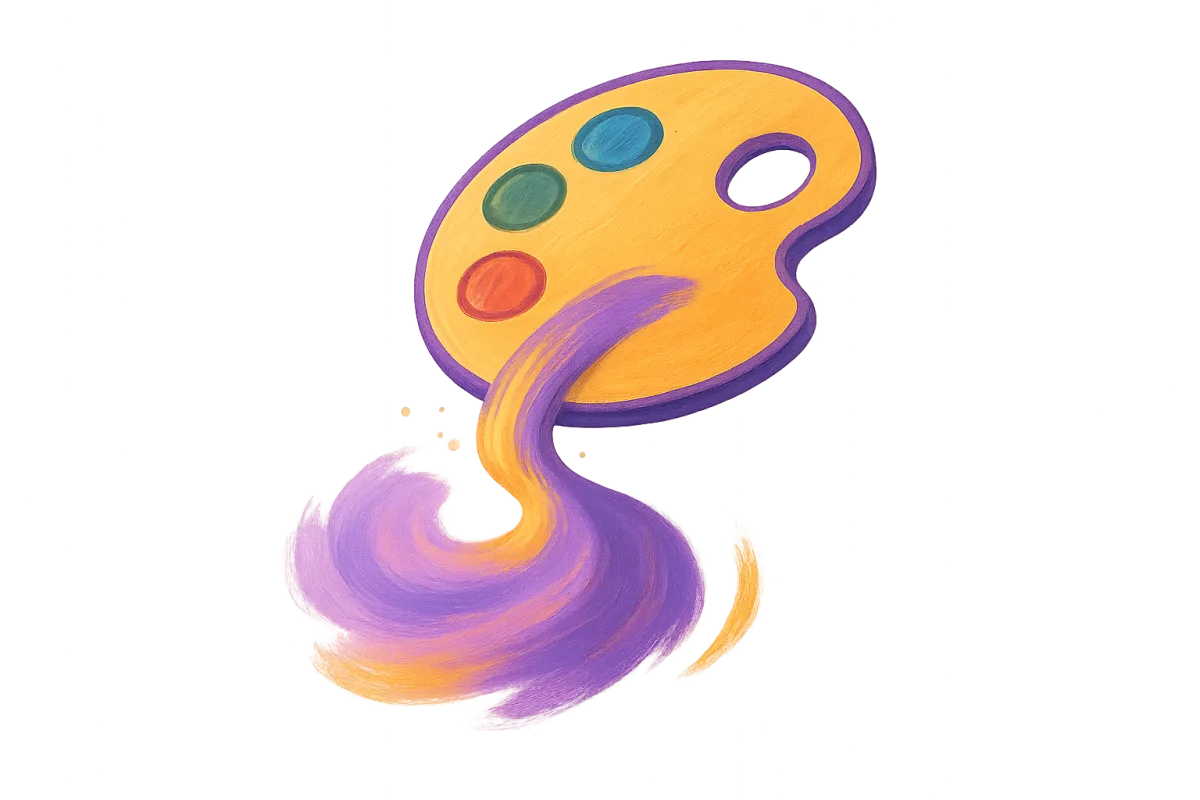
Digital Color
Paint your lively worlds using dynamic palettes and smart lighting techniques that set the perfect mood.
YOUR CREATIVE JOURNEY
Your Path To Mastery
We’ve mapped animation into three practical stages to guide you smoothly from your initial sketch to completed projects. No guesswork, just actionable steps to create your best work.
STEP 01
Read
Absorb essential motion principles through clear, illustrated lessons. Understand the reasoning behind each technique to confidently apply them in your own animated projects.
STEP 02
Sketch
Use our custom storyboarding templates to map out your projects. Refine timing, arcs, and key poses on paper, building a solid foundation before finalizing your frames.
STEP 03
Animate
Bring your drawings to life by mastering frame sequencing and adding the finishing touches that make your animations truly stand out. See your creativity turn into polished projects that impress.
STUDENT SUCCESS
Our Wall Of Wonder
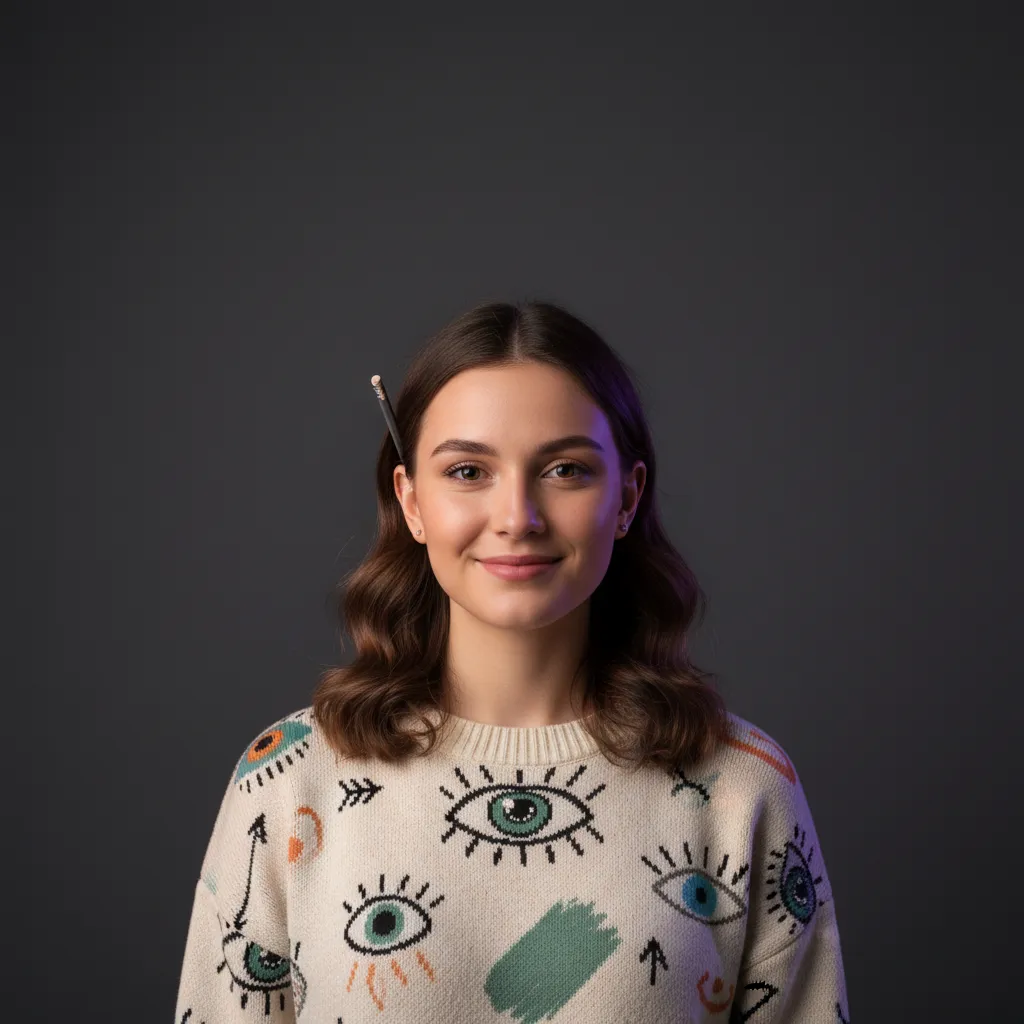
⭐⭐⭐⭐⭐
"I thought animation was too technical for me. This guide made the tools feel like magic brushes. I'm finally bringing my characters to life without the overwhelm!"
Emma T.

⭐⭐⭐⭐⭐
"The software used to look like an airplane dashboard to me. Now I actually understand what every button does. The step-by-step approach completely cured my blank page anxiety."
Marcus L.
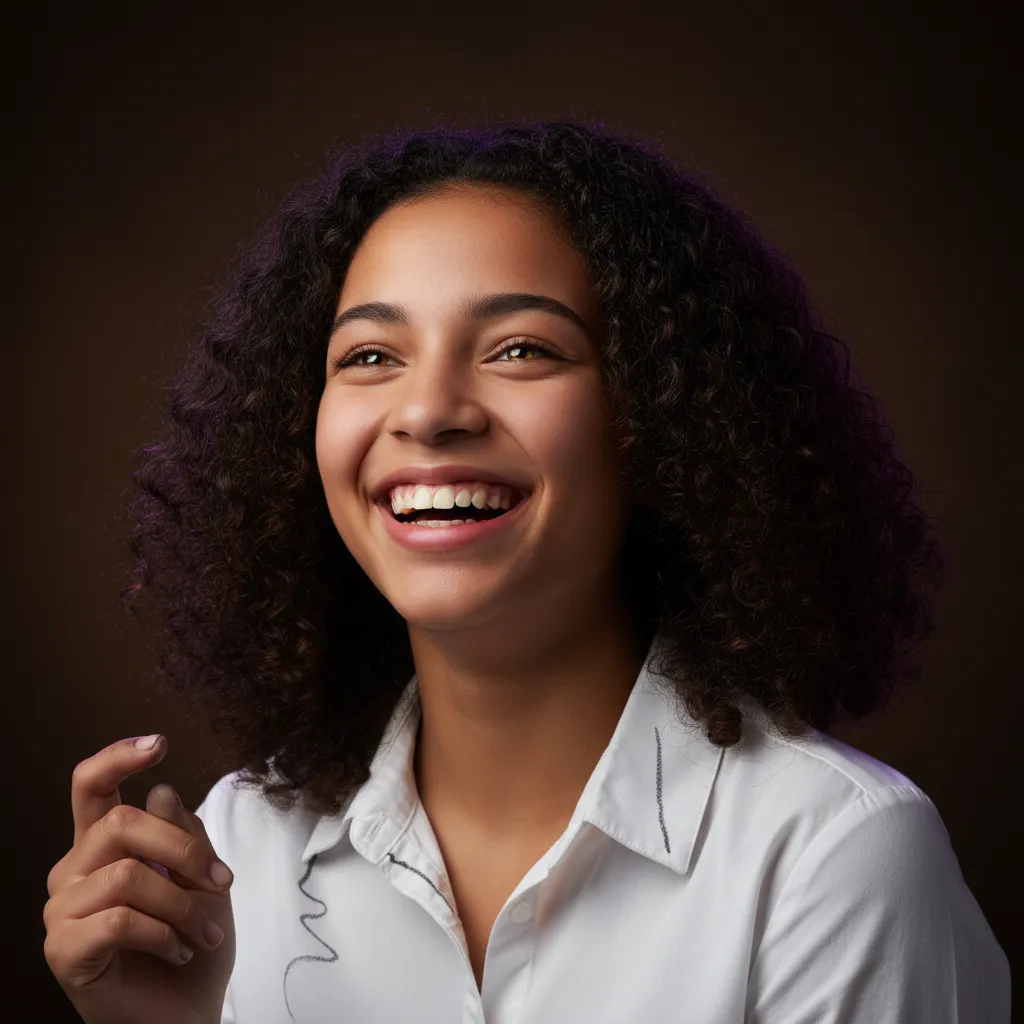
⭐⭐⭐⭐⭐
"I've gone from completely intimidated to confidently animating my first short. It really feels like playing rather than studying. Best creative decision I've made!"
Chloe D.
Tier 1 — Explorer (Beginner)
Start Your First Animation
For total beginners. Learn how a story becomes a picture—and how a picture becomes a moving character—using free/low‑cost AI tools with guidance.
Design Foundations
Intro to AI Image Tools
Storyboarding 101
Your First AI Animation
Outcome: 1 finished short animation + 1 original character
$29
Tier 2 — Builder (Beginner–Intermediate)
Build a Reusable Character
Kids create a character they can reuse across scenes (a “Soul ID”), animate it in motion, and take their first steps into 3D.
Consistent Characters
AI Video Basics
Intro to 3D
Motion Graphics Lite
Outcome: model sheet + 3D print‑ready model
$47
Tier 3 — Creator (Intermediate)
Storyboard → Final Cut
The pipeline tier—take one storyboard all the way to a finished, edited short using Blender + AI tools together, plus real camera language.
Long‑Form AI Animation
Blender + AI Pipelines
Full Storyboard‑to‑Video
Camera & Cinematic Technique
Outcome: one complete short film scene (storyboard to final cut)
$97
Tier 4 — Studio Pro (Advanced)
Run a One‑Person AI Studio
Multi‑tool pipelines, a full “AI film crew” workflow, and (optional) publishing & growth—built around a portfolio‑ready capstone project.
AI Filmmaking Crew Workflow
6‑Tool Advanced Pipeline
Capstone Project
Publishing & Growth (optional add‑on)
Outcome: portfolio‑ready capstone (short film, character IP, or asset pack)
$297
Explore, Create, Animate
Design → AI → CG Art: From Blank Page to Creation
Kickstart your journey with a simple, fun process: craft your ideas in design, enhance them with AI tools, and bring them to life in CG art—no overwhelm, just creativity.
One ladder (Explorer → Studio Pro) — no confusing bundles to compare.
Every tier ends in a real, shareable outcome.
Design → AI Tools → CG Art runs through every level.
Total Value: $497
Today Only: $297
1-on-1 Tutoring
Specialized for Aspiring Artist's
Join Magic of Animation Academy for an exclusive 1-on-1 Tutoring Consultation
Personalized Goal Setting: Discuss your specific interests, whether it’s 3D modeling, character design, animation techniques, or storytelling, to craft a learning plan just for you.
Skill Assessment: Share your current portfolio or ideas so we can identify strengths and areas for improvement.
Program Overview: Discover the value of our 10-session tutoring package, including project-based learning, portfolio development, and hands-on industry guidance.
Exclusive Insights: Learn how our 1-on-1 tutoring sessions offer direct access to professional tips.
Total Value: $1250
Today Only: $997
30-Day Creative Growth Guarantee
with purchase of the 1-on1 program
Curious Creators Ask
Do I need expensive software?
Not for Tiers 1–2 — we use free and low-cost AI tools throughout. Tier 3+ introduces Blender (free) and optional paid AI credits, which we’ll always show you how to use efficiently.
Is this safe/appropriate for kids to use AI tools?
Yes — every AI tool we teach is used inside guided, age-appropriate lessons with content filters and parent-visible project logs. We’ll flag any tool that requires an adult account to set up.
What age is each tier for?
Tier 1–2: ages 8+. Tier 3: ages 11+. Tier 4: ages 13+ (or with a parent/mentor co-piloting).
Can my child move between tiers?
Yes — tiers build on each other, but a returning student with prior animation experience can start at Tier 2 or 3 after a quick skill-check.
Join the Magic
Get weekly animation tips, free assets, and creative inspiration sent straight to your inbox.


© 2026 Magic of Animation Academy. All rights reserved.